How Does a QR Code Work?
A QR code is a square grid of black and white modules that encodes data. When a camera scans the pattern, software decodes the information and performs an action—such as opening a link or saving a contact. As a QR history expert, it helps to know that this design emerged in 1994 at Denso Wave (a Toyota Group company) to track parts faster than traditional barcodes. The “Quick Response” name reflects the goal: rapid, robust scanning in real‑world conditions.
1. The Structure
Modern QR codes follow the QR Code Model 2 specification, which became the global standard and is maintained under ISO/IEC 18004. A QR code has several fixed patterns:
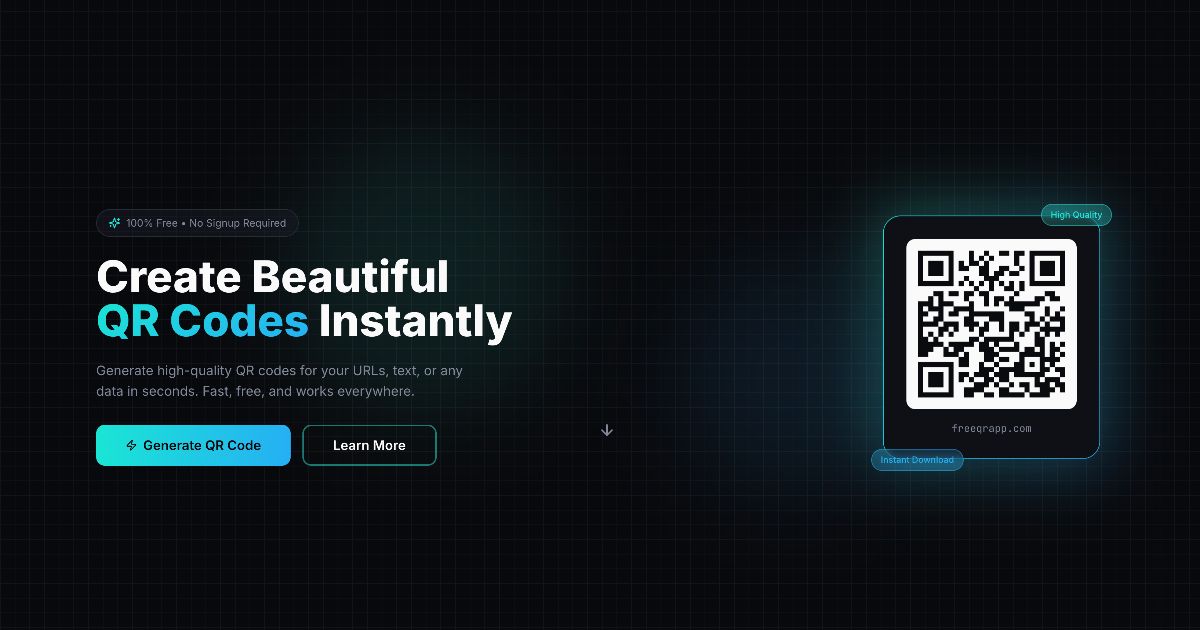
- Finder patterns: The three large squares in the corners help scanners detect the code and its orientation.
- Alignment patterns: Smaller squares that help correct distortion when the code is viewed at an angle.
- Timing patterns: Alternating black and white modules that assist the scanner in measuring the grid.
- Quiet zone: A blank margin around the code that separates it from surrounding graphics.
Version and size: QR codes scale from Version 1 (21×21 modules) up to Version 40 (177×177). Each higher version adds 4 modules per side, increasing capacity. This modular growth is part of why QR codes became the dominant 2D code in logistics and consumer apps.
Format and version information: Small data blocks near the finder patterns encode the error‑correction level and mask pattern (format info), plus the version number for larger codes. These fields let scanners decode the symbol even when partially obscured.
2. Data Encoding
The content (URL, text, Wi‑Fi settings, etc.) is converted into bits and encoded using one of several modes:
- Numeric (digits only, highest density)
- Alphanumeric (digits + uppercase letters + a few symbols)
- Byte (UTF‑8 text and binary data; most common for URLs)
- Kanji (optimized for Japanese character sets)
The data is then placed into the grid using a standard zig‑zag path from the bottom‑right corner. This deterministic placement means any QR reader can decode it without ambiguity.
3. Error Correction
QR codes use Reed–Solomon error correction, which adds redundancy. Even if a portion of the code is smudged or covered, the data can still be recovered. There are four levels (L, M, Q, H), each balancing data capacity and recovery strength. Historically, this was critical for factory floors and shipping labels where dirt and scratches were common.
Typical recovery targets are about 7% (L), 15% (M), 25% (Q), and 30% (H) of the symbol. Higher correction means fewer data modules available, which is why very short links can afford stronger protection.
4. Scanning and Decoding
A scanner locates the finder patterns, corrects perspective, and reads the grid. The software then reconstructs the data and performs the associated action. Early industrial scanners used dedicated sensors, but the mass adoption of smartphone cameras in the 2010s made QR codes a universal bridge between print and mobile.
Decoding steps typically include:
- Detect the finder patterns and estimate orientation.
- Correct perspective and module size using the timing and alignment patterns.
- Sample the grid, apply the mask pattern, and read codewords.
- Repair errors with Reed–Solomon decoding.
- Interpret the payload (URL, vCard, Wi‑Fi, etc.).
5. Why It’s Fast
QR codes are designed for speed. The patterns make it easy to detect and decode, which is why they’re called “Quick Response.” Compared with 1D barcodes, a QR code can be recognized from any angle, carries more data, and can be read even when partly damaged—features that drove its rise from automotive factories to everyday consumer use.
6. A Brief Evolution Timeline
- 1970s–1980s: Linear barcodes dominate retail and logistics but have limited capacity.
- 1994: Denso Wave develops QR Code Model 2 for high‑speed part tracking.
- 2000: ISO/IEC 18004 standardizes QR codes globally.
- 2010s: Smartphone adoption turns QR into a mainstream consumer tool.
- 2020s: Contactless menus, payments, and onboarding drive another adoption wave.
7. Variations You Might See
- Micro QR: A smaller version with fewer finder patterns, used where space is tight.
- iQR Code: A later standard that allows rectangular shapes and higher density.
- Frame QR: A design variant with a blank “canvas” area for branding or images.
These variants share the same core idea: standardized patterns, structured encoding, and error correction that make quick scanning reliable.